Platform / Device trust
Let device state count.
Connect your MDM, define healthy, and use it in sign-in rules.
Signals from the MDM you run
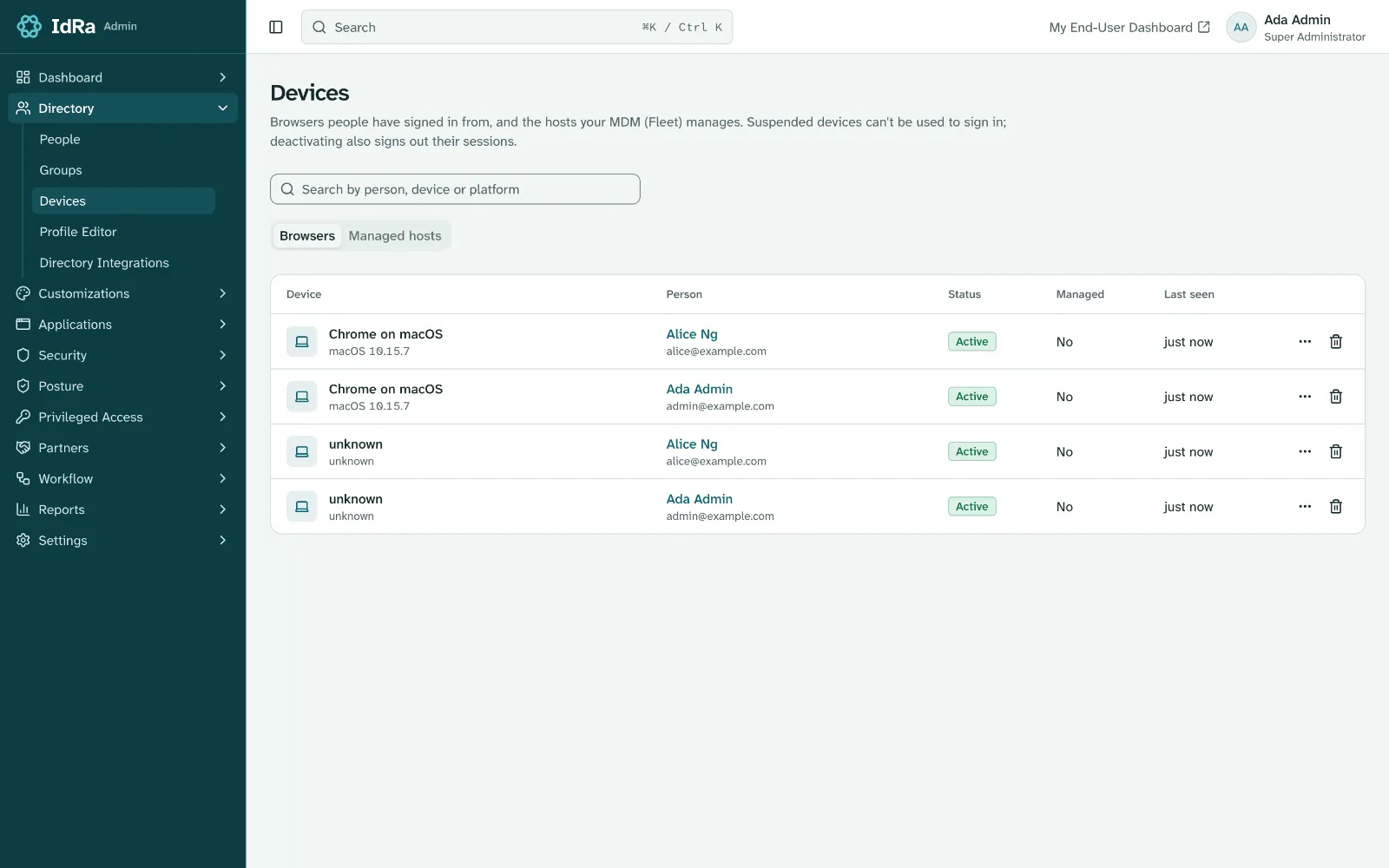
IdRa syncs device records through vendor APIs and matches them to people. There’s nothing extra to install.
- Jamf, Microsoft Intune, Kandji and Fleet
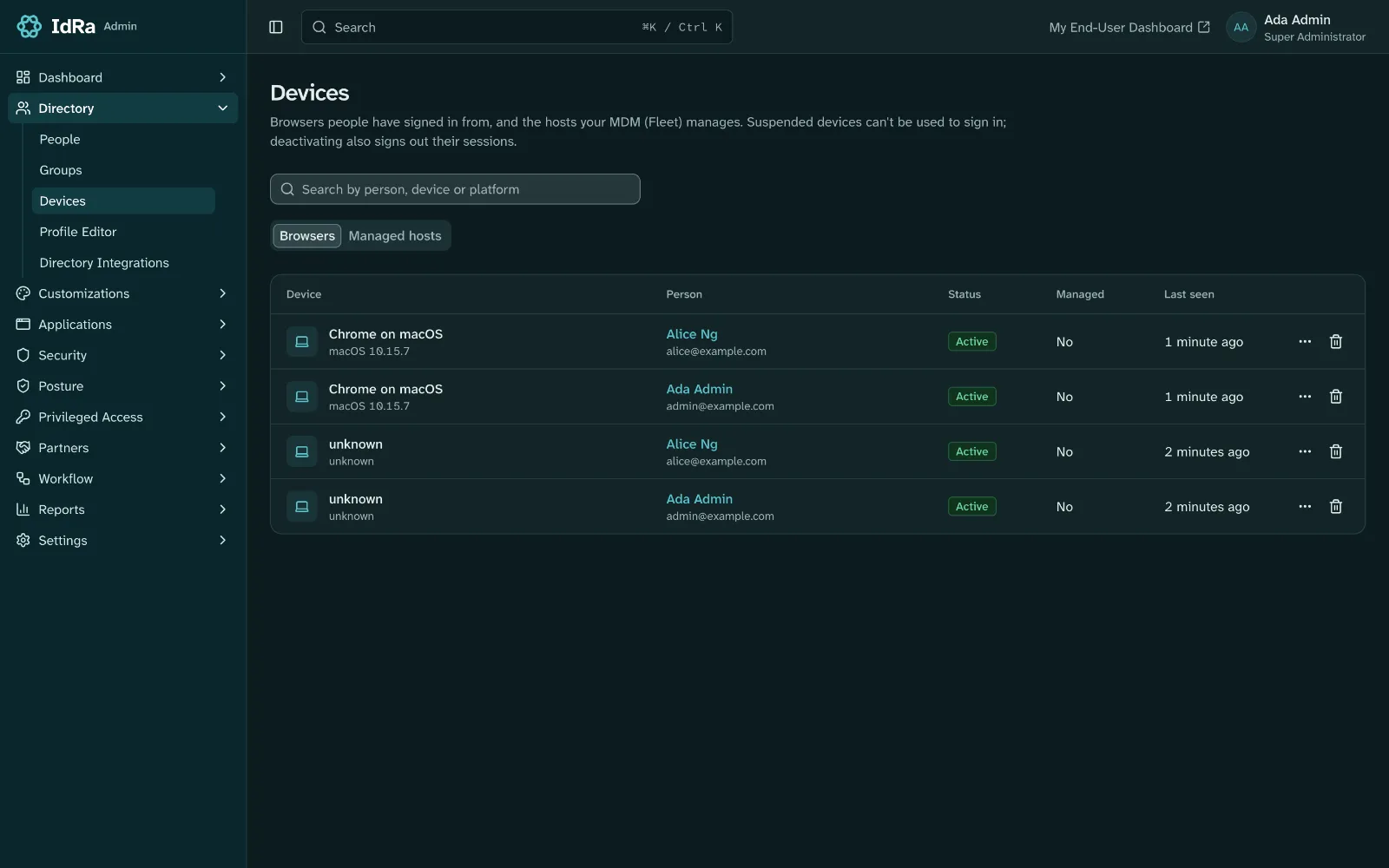
- Managed-host view with owner and compliance, using Fleet
- Refetch from the console using Fleet, and lock, unlock and wipe with Fleet Premium
Device trust as a policy
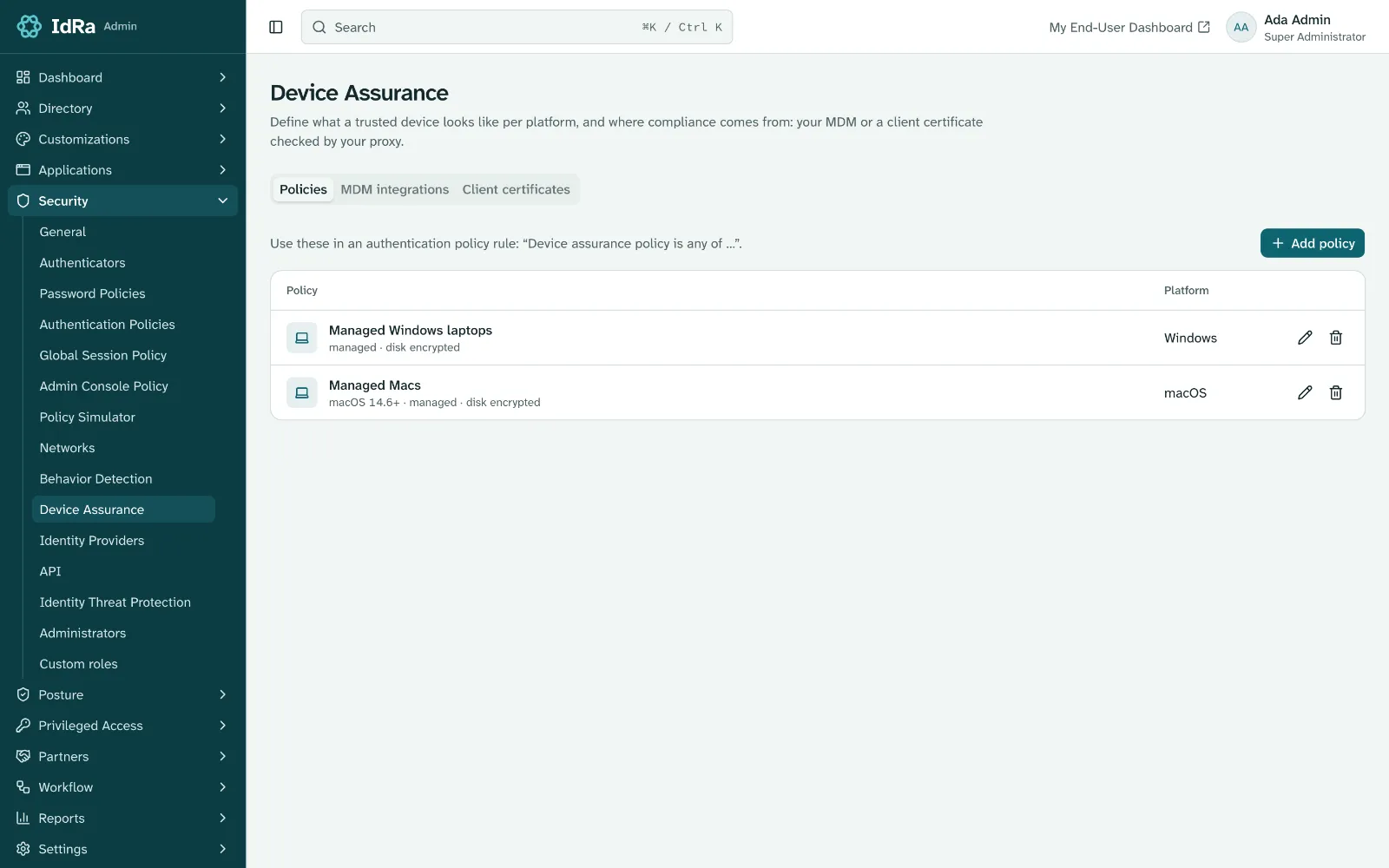
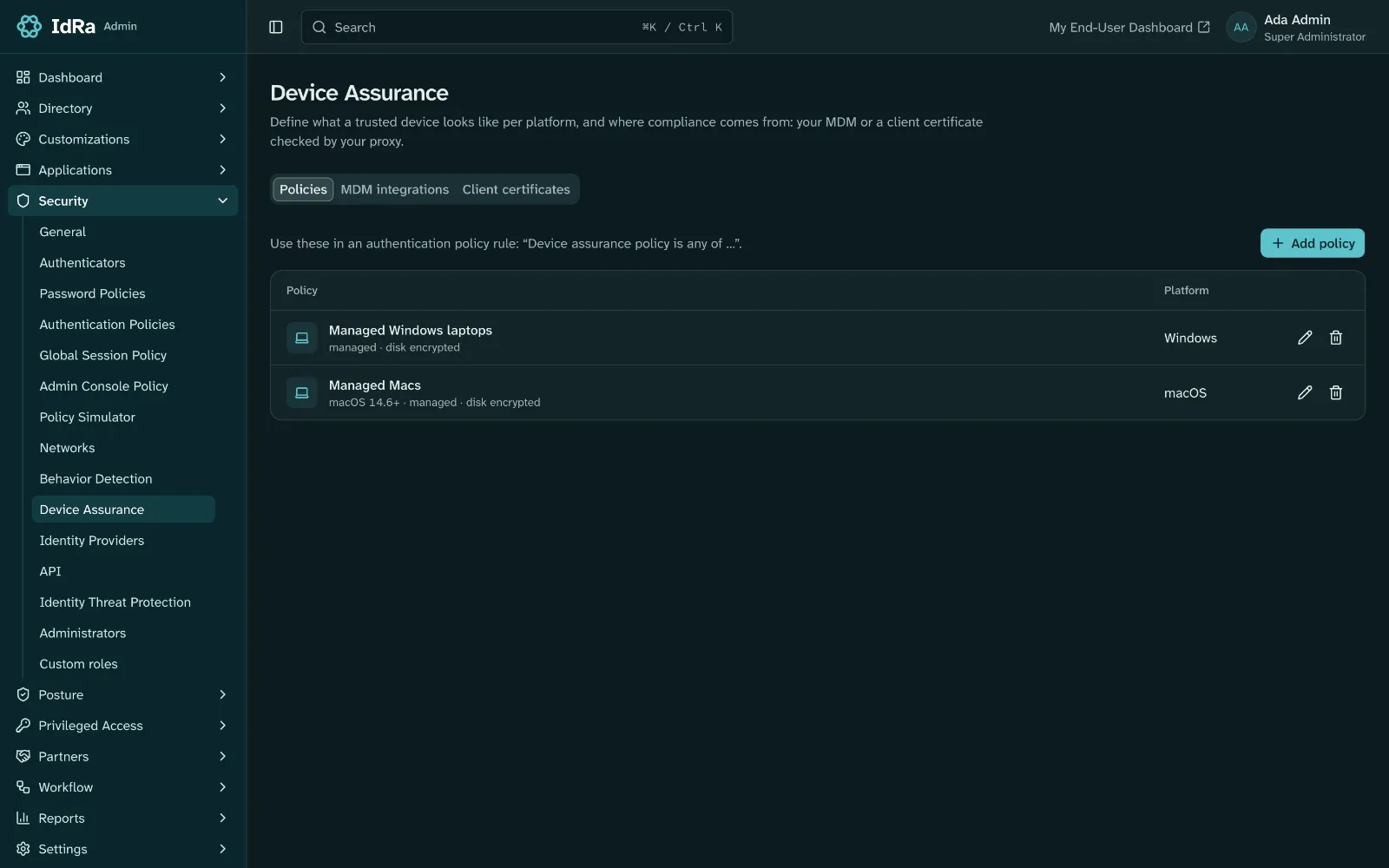
Build device policies from the attributes your MDM reports, and require one in an authentication rule.
- Managed, disk encryption, OS version
- Passing MDM policies (Fleet)
- Optional client certificate signal on self-managed deployments with a proxy that terminates mTLS
Compliance changes reach the rest of security
When a Fleet host stops complying, IdRa logs it, records a risk signal, and tells Shared Signals receivers.
- CAEP device-compliance-change
- A medium-risk signal your risk rules can act on
Built on open standards.
- CAEP
- mTLS signal
Create your organization.
Pick an address and confirm your email, then sign in as its first admin. A setup wizard takes you through the rest.